Introduction
Nextcloud is an open-source platform for storing, synchronising and sharing files, contacts, calendars and other data, similar to many other commercial services such as Microsoft 365. It is a private cloud solution that allows users to securely store their data on their own server and access it from anywhere.
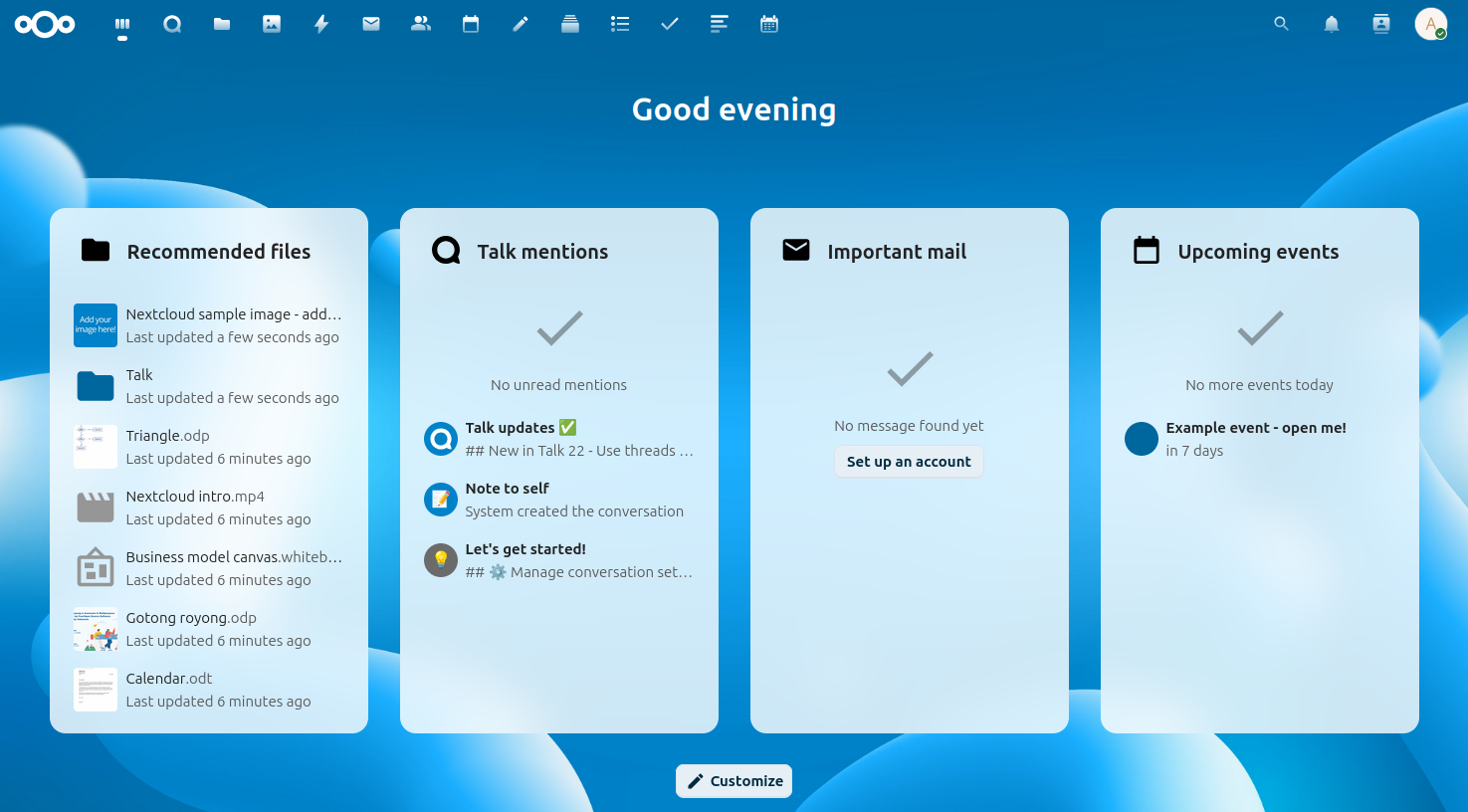
But the best thing is: Nextcloud can be run free of charge at home on your own server, making access to your own emails, contacts, appointments or tasks just as easy as with commercial providers. For small installations (<100 users), Nextcloud is free of charge – and who has 100 users at home anyway? ;)
- File synchronisation: Nextcloud allows users to automatically synchronise their files across different devices, enabling them to access their data from anywhere.
- Calendar and contacts: Nextcloud offers an integrated calendar and contact service that allows users to organise their appointments and contacts and synchronise them between devices.
- Security and data protection: Nextcloud offers numerous security features, including the ability to store and control data on your own servers, encryption, two-factor authentication and much more.
- Online office suite: Nextcloud includes an online office suite that allows users to create, edit and share documents, spreadsheets and presentations directly in Nextcloud.
The BSDBox is my IT playground. Professional services around network, server and structure building I offer with my company computing-competence. If you find this content valuable and useful, I welcome feedback via matrix, email or follow me on Mastodon.
Goals
The objective of this guide is to operate a Nextcloud server based on FreeBSD (https://de.wikipedia.org/wiki/FreeBSD).
In order to use Nextcloud publicly, Part 2 requires an OPNsense (https://de.wikipedia.org/wiki/OPNsense) firewall.
Of course, there are much easier ways to install Nextcloud (e.g. via script), but all these methods take away the view of what comes ‘afterwards’. How does it all work? What about updates? How are the database and web server configured, where do the certificates come from? How does it all fit together, and the most exciting question: what do I do if something goes wrong? I don't like standing in front of an automatic script or a Docker and ultimately having no idea what's actually going on.
Article series
- Part 1: Install and run locally
- Part 2: Use publicly behind an opnSense firewall
FreeBSD is a free and complete unixoid operating system which can be installed on your own hardware. With field-proven ZFS support, it is the ideal basis for the secure storage of data. Jails can be used to run many services very easily, very lean and very securely, because for FreeBSD it doesn't matter whether one or 100 jails are running at the same time. In addition, there is a full-blown virtualization, which is excellently suited for starting other operating systems under FreeBSD.